Creating a form
Two steps: create the form on Forwarder.cc, then point an HTML form on your website at it. Let's go.
1. Create the form on Forwarder.cc
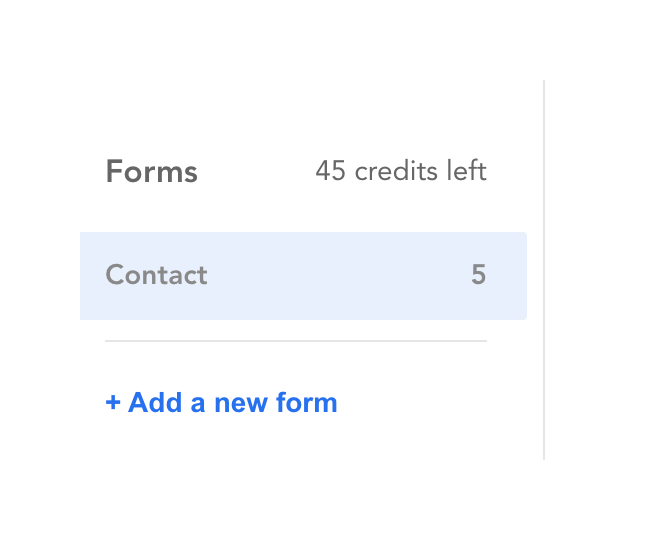
In your dashboard, click + Add a new form in the sidebar:
Then fill in the modal:
- Form title: only for you. It's how the form appears in your dashboard, and in the subject of the emails we send you, like "[Contact] New submission".
- Redirect URL: where your visitors land once their message is sent, usually a "thank you" page on your website. It must start with
http://orhttps://. - Destination email: messages go to your account's email address. Remember to confirm it: until then, we can't send you anything.
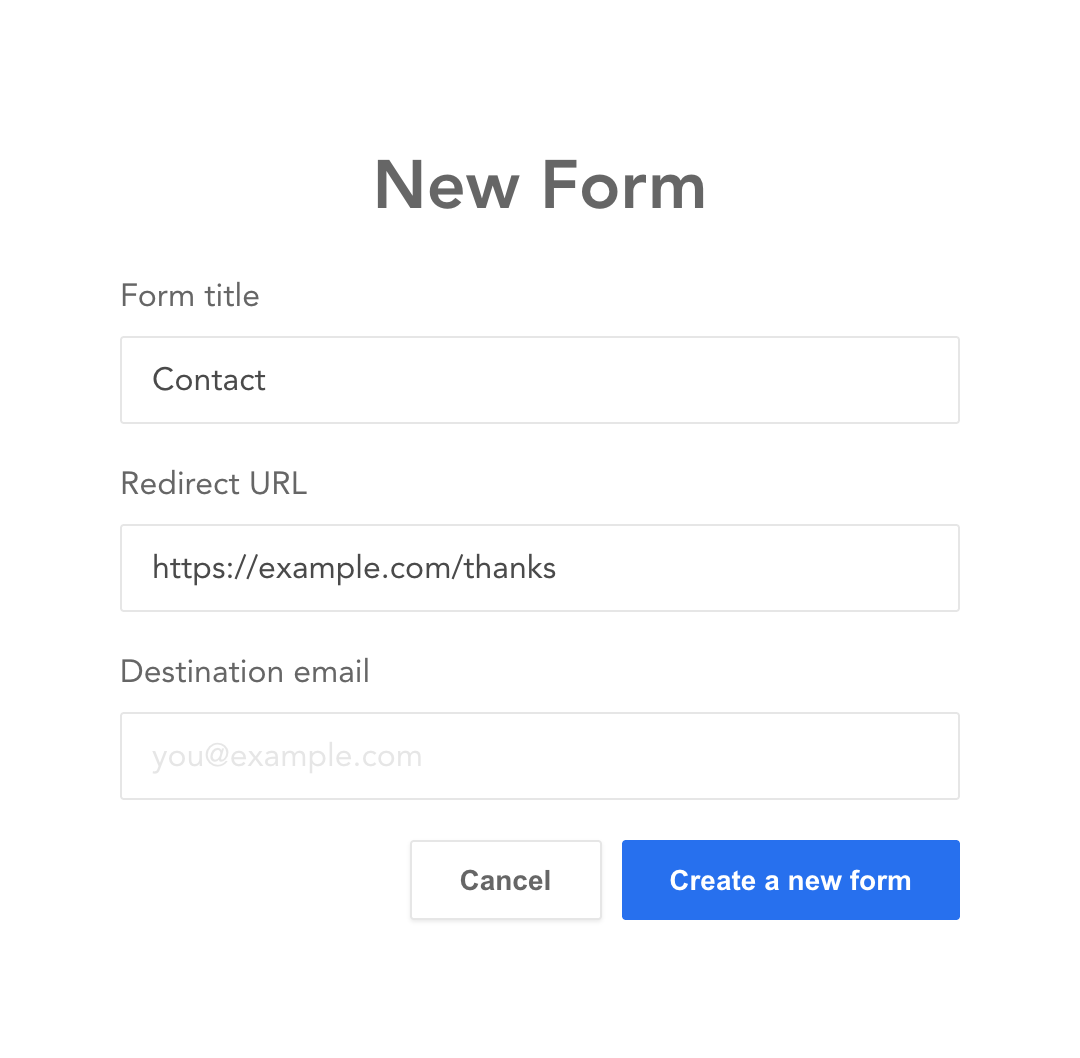
Click Create a new form and that's it for this part.
2. Add the form to your website
Open your new form. As it doesn't have any message yet, it shows its form code:
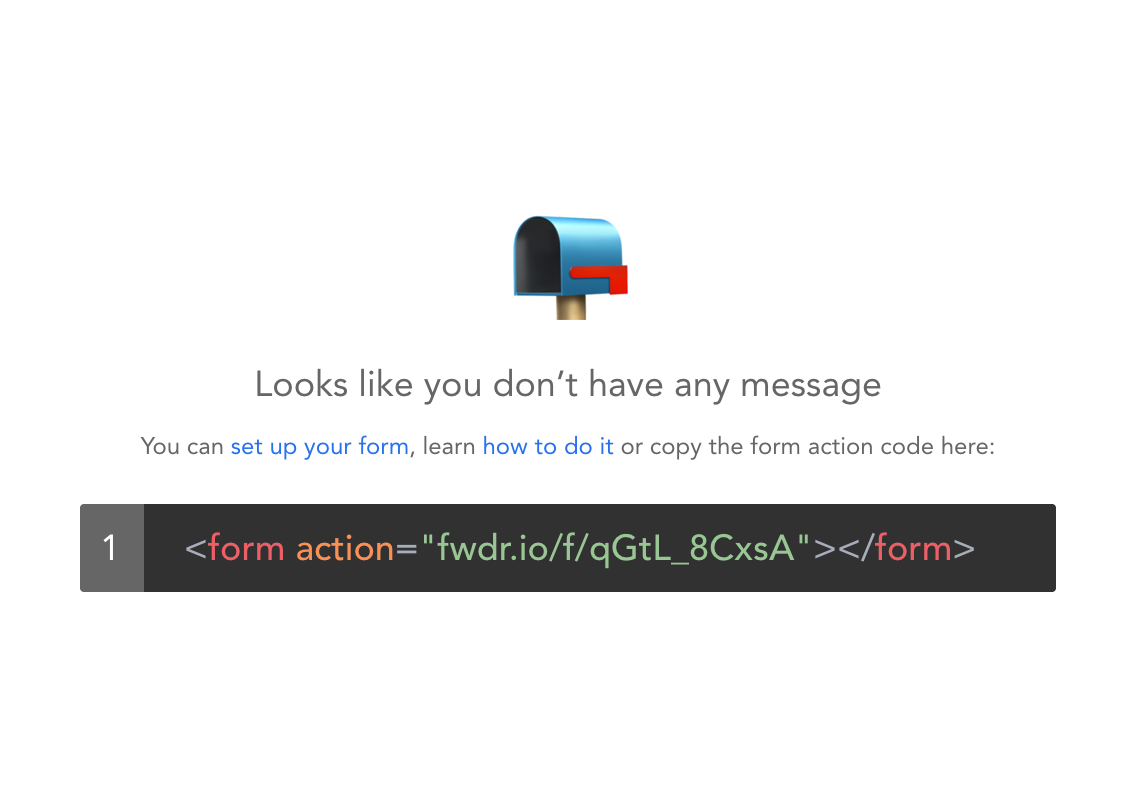
Click the code to select it, then copy and paste it into your page. You get a bit more than what's displayed: the full URL, the method, and a few example fields to get you started. Here's what a complete contact form looks like:
<form action="https://fwdr.io/f/YOUR_TOKEN" method="POST">
  <label for="name">Name</label>
  <input id="name" type="text" name="name" />

  <label for="email">Email</label>
  <input id="email" type="email" name="email" required />

  <label for="message">Message</label>
  <textarea id="message" name="message" required></textarea>

  <button type="submit">Send</button>
</form>
Two things matter here:
actionis your form's URL:https://fwdr.io/f/followed by your form's token.method="POST": it's the only method we accept.
Every field with a name attribute is forwarded to you, and you can name them however you like. Some names come with extra features, see Naming your fields.
3. Try it
Open your page, fill in the form and press send. You land on your redirect URL, the message appears in your dashboard, and a few seconds later it's in your inbox. Each message uses one credit.