Receiving files
Resumes, photos, documents: your visitors can send you files too. Add enctype="multipart/form-data" to your form, then a file field:
<form action="https://fwdr.io/f/YOUR_TOKEN" method="POST" enctype="multipart/form-data">
  <input type="email" name="email" required />
  <input type="file" name="resume" />
  <input type="file" name="photos[]" multiple />
  <button type="submit">Send</button>
</form>
Without the enctype, browsers only send the name of the file, not the file itself. And to accept several files in one field, add multiple and end its name with [].
Limits
Each message can carry up to 10 files, adding up to less than 25 MB in total. Above that, the message isn't sent, and your visitor sees an error page explaining why. To keep it from happening, you can limit the types of files with the accept attribute, like accept=".pdf,image/*".
Where to find them
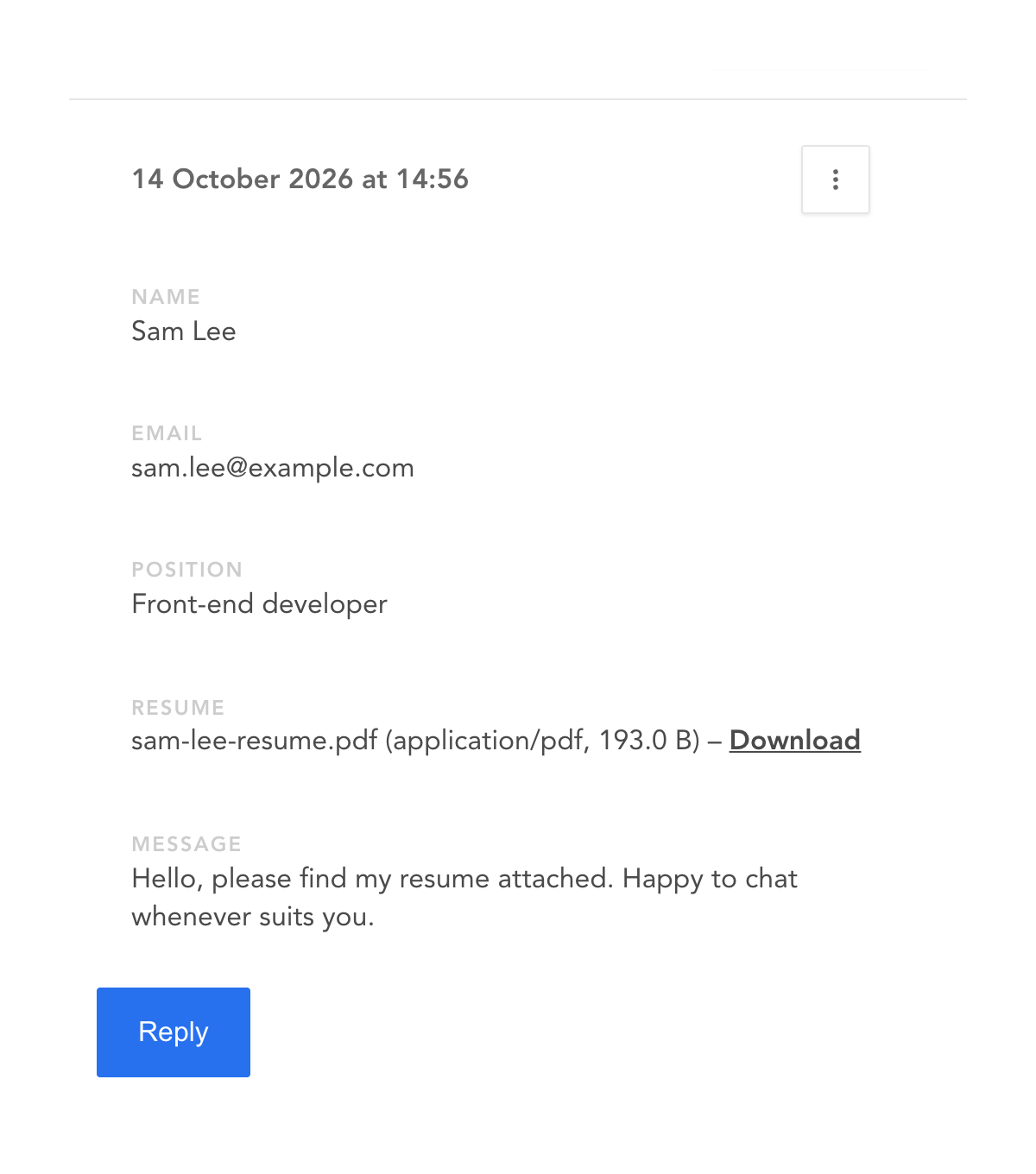
Files come as links in the email we send you, with their name, type and size. In your dashboard, they're right in the message, with a Download link: