Managing submissions
Every message you receive is also kept in your dashboard. The sidebar lists your forms with their number of unread messages; click one to see its messages, newest first. A blue dot means you haven't read it yet.
Reading and replying
Click a message to read it. After a few seconds, it's marked as read. The Reply button opens your email app, ready to answer your visitor, as long as the form has an email field.
Marking and deleting
The menu at the top of each message lets you mark it as read or not read, or delete it:
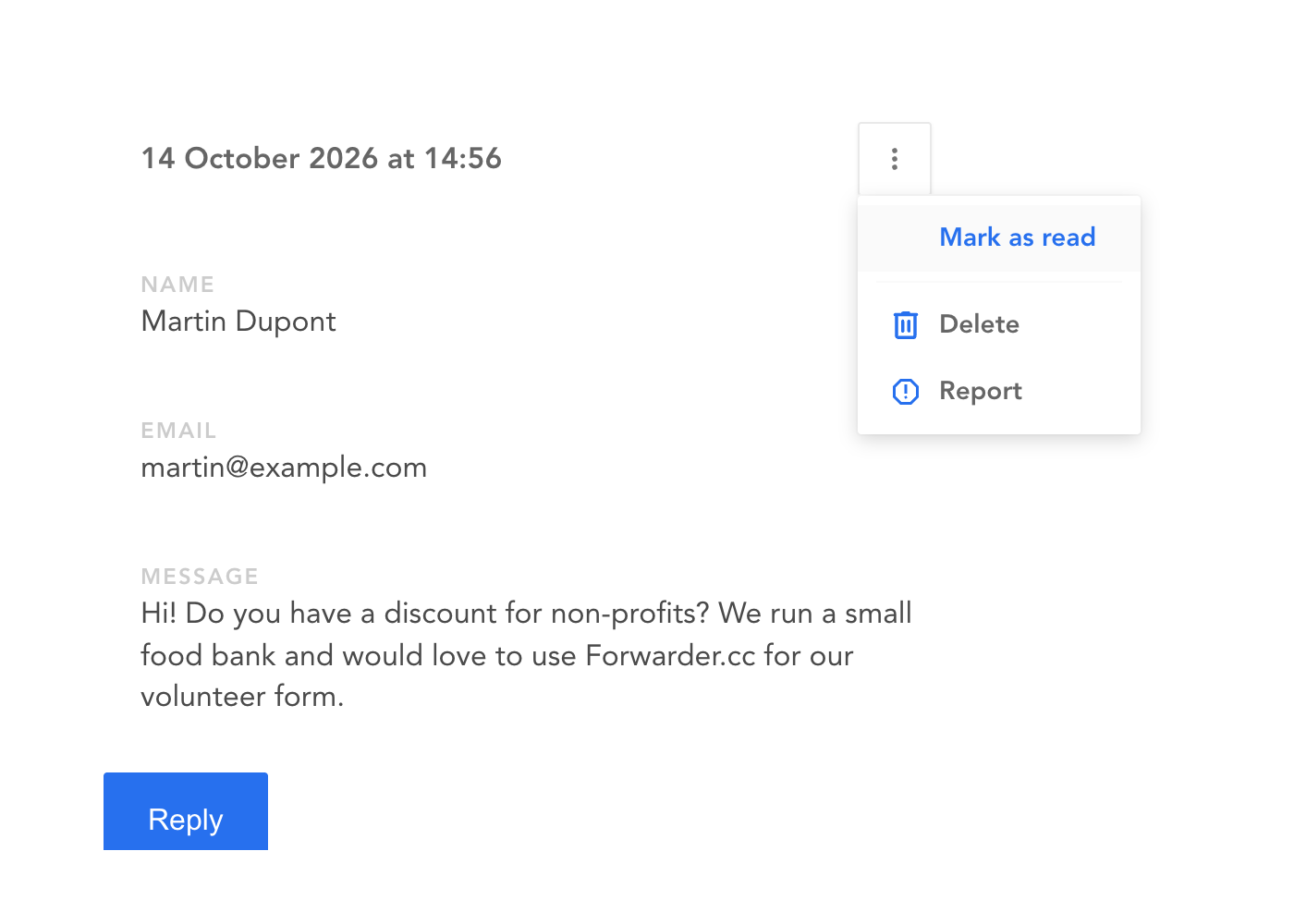
Deleting a message can't be undone.
Changing a form
Click the gear icon next to the title of a form to rename it, change its redirect URL or set up a captcha.
That's also where you can delete the form, with all its messages. Its URL stops working right away, so take it off your website first.