Grouped and multiple-choice fields
Square brackets in field names let you organize what you receive.
Groups
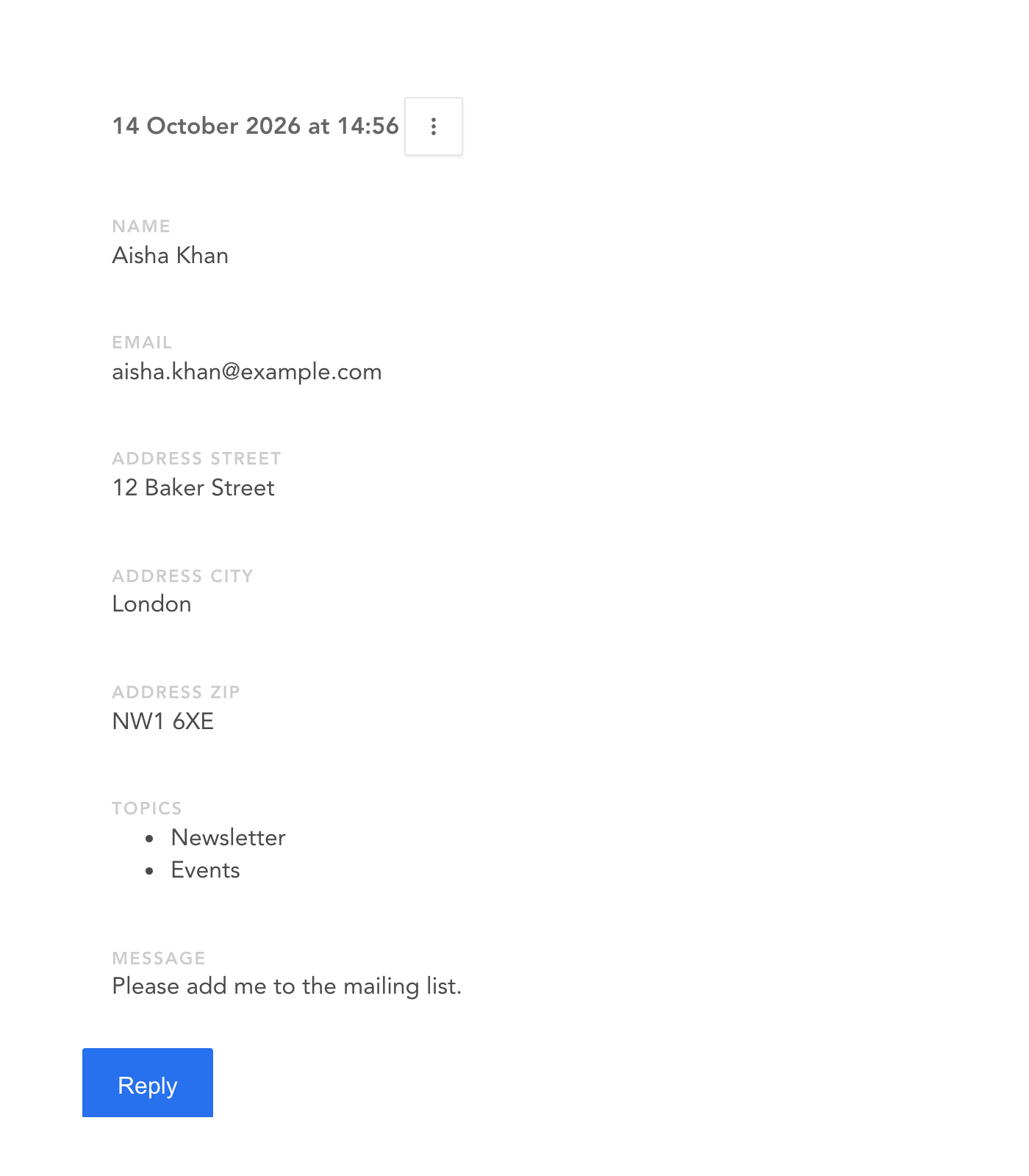
Fields named address[street], address[city] and address[zip] arrive one after the other, labeled "Address street", "Address city" and "Address zip":
<input type="text" name="address[street]" />
<input type="text" name="address[city]" />
<input type="text" name="address[zip]" />
Multiple choices
For a group of checkboxes, or a <select multiple>, end the name with []. You get a single field with the list of everything your visitor picked:
<label>
  <input type="checkbox" name="topics[]" value="Newsletter" />
  Newsletter
</label>
<label>
  <input type="checkbox" name="topics[]" value="Events" />
  Events
</label>
<label>
  <input type="checkbox" name="topics[]" value="Job offers" />
  Job offers
</label>
Without the brackets, browsers send each checked box under the same name, and only the last one is kept. Not great for multiple choice.
Here's what both look like in your dashboard: